On this page
This guide covers opening a trading account at CXM Direct, from signing up to the point where the account is verified and ready for a deposit. The information comes from the CXM website (cxmvn.net) and from the Terms of Service and the KYC Policy that CXM publishes, as of Sep 14, 2026. The broker’s sign-up screens may change over time, but the document requirements and the deposit and withdrawal rules rarely do.
Before you sign up: three things to know
1. Which legal entity you contract with. The Terms of Service and the KYC Policy published on cxmvn.net are both issued by CXM Direct LLC. That is a company registered in St. Vincent & the Grenadines (registration number 444 LLC 2020). The financial regulator of St. Vincent & the Grenadines does not license Forex brokerage, so that registration is not a license. The CXM group has other subsidiaries licensed in the UK, Mauritius, the Seychelles and elsewhere; for the detail, see Is CXM Direct safe?. When you sign up, read the name of the legal entity written in the client agreement.
2. The legal position in Vietnam. Trading Forex through a foreign broker is not one of the foreign currency transactions that Vietnamese law permits, and in a dispute Vietnamese law does not protect you. See also Is Forex trading legal in Vietnam?.
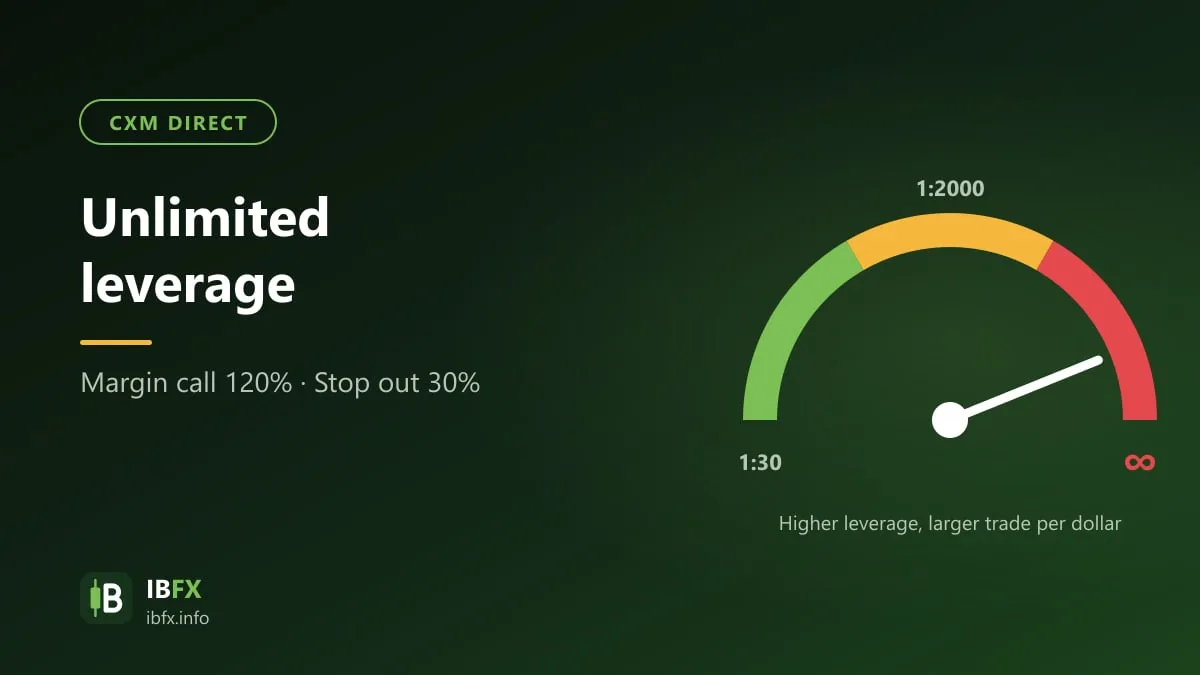
3. High leverage is a risk, not an advantage. Some CXM accounts carry very high leverage, even “unlimited” leverage. Read Unlimited leverage at CXM Direct and practice on a demo account before you use real money.
Getting your documents ready
Under the CXM Direct KYC Policy, an individual client has to provide:
- Full name (and any former name), date of birth, place of birth, nationality and contact details.
- A valid photo ID: a passport (the photo page), a national ID card, a driver’s license or another government-issued photo ID.
- Proof of your residential address, no more than 6 months old: an electricity, water, gas, internet or phone bill; a bank or credit card statement; a rental contract; a document from your local authority, or another government-issued document that states the address.
- Answers to the KYC questionnaire (your occupation, your finances and your trading experience).
On top of that, you have to agree to and sign these documents: the Client Agreement, the Terms of Service, the Risk Disclosure Agreement, the Privacy Policy and the Liquidity Guidelines.
Tips that keep your file from being sent back:
- Photograph each document with all four corners in frame, the text legible, no glare and nothing covered up.
- The name and date of birth you enter on the form have to match the document.
- The proof of address has to be in your own name, no more than 6 months old, and show the address you declared.
- Do not use someone else’s documents, phone number or bank account.
The account opening steps
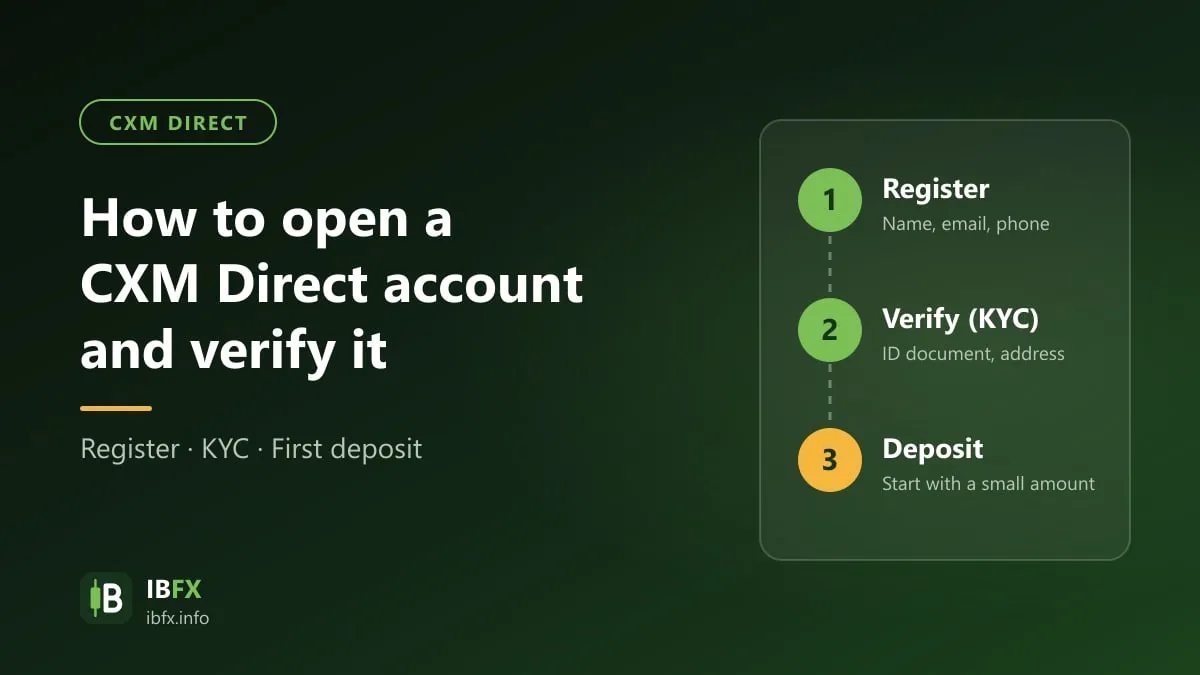
Step 1: Register in the client area
Open the sign-up page through the open a CXM Direct account link. It takes you to the CXM client area at secure.cxmvn.net. Fill in your personal details exactly as they appear on your documents, set your country of residence (Vietnam, if that is where you live) and choose a strong password that you do not reuse anywhere else.
Only ever sign in through the client area address that CXM states on its official website. There are plenty of other websites out there carrying the letters “CXM”; when in doubt, ask the broker’s support desk.
Step 2: Complete your profile and the questionnaire
Once you are signed in, complete the personal information section and the KYC questionnaire, and read the legal documents before you tick the box to agree. The risk disclosure and the clauses on leverage, on canceling trades and on withdrawals are the passages worth reading most closely.
Step 3: Upload your verification documents
Upload the photo ID and the proof of address you prepared. Under the KYC Policy, the file is approved by the Compliance department; CXM may use automated and manual tools to check the documents, and it may refuse a file if the name appears on a watch list. A withdrawal request is only processed once a complete set of KYC documents has been approved, so get verification out of the way before you deposit.
Step 4: Open a trading account
Once your file is approved, create a trading account in the client area: choose the account type (Cent, Standard, ECN, ZERO and so on), the platform (MT4 or MT5) and the leverage, if the system lets you choose it. Compare the account types in The CXM Direct account types. If you do get to choose the leverage, choose a low level: low leverage does not make you lose more, it only stops you opening a position that is too large for your capital.
Your MT4/MT5 login details (the account number, the password and the server name) appear in the client area, or are sent to you by email. For how to use the platform, see the IBFX guide to MetaTrader 4.
Do this first: a demo account
The CXM sign-up page has an option to open a demo account. Use the demo to get used to placing an order, setting a stop loss, reading the margin and checking the contract specifications of each product before you deposit real money.
Deposits and withdrawals
The CXM website lists these methods: Visa, Mastercard, international bank transfer (Bank Wire), Bitcoin, Ethereum, Tether (USDT), Sticpay and Neteller. CXM advertises “instant deposits and withdrawals”, but the site does not publish the fee, the limit or the processing time of each individual method; check them in the client area, or ask the support desk, before you deposit.
The rules to keep in mind, from the Terms of Service and the KYC Policy:
- No third-party money: the bank account, card or wallet you deposit from has to be in your own name.
- A withdrawal is always paid back to the source you deposited from. A bank transfer out and back has to go through the same bank, in your name.
- Bank transfer fees are paid by the client. If you deposit by card and then ask for the money back on the card, the broker may charge an administrative fee.
- Deposits and withdrawals are made in the client area; the customer care desk checks and approves the transaction.
Staying safe:
- The first time, deposit a small amount and then withdraw part of it, to learn the process and how long it really takes.
- Depositing in crypto: check that you are using the right network (USDT, for instance, exists on several) and the wallet address shown in the client area; sending on the wrong network can lose the money for good.
- Never send money to an individual who claims to be a member of staff, an IB (introducing broker) or a “deposit helper” for the broker.
- Sending money out of Vietnam to trade at a foreign broker may breach the foreign exchange regulations; a bank may refuse the transfer or put it on hold. Only use money you can afford to lose.
Contacting support
According to the CXM contact page, the customer care desk works 24/5 (on weekdays) by email at support@cxm.com and through the contact form on the website — that address comes from the contact page as read on Sep 14, 2026, on a different domain from the cxmvn.net the sections above quote, so if mail does not arrive, use the form on the website. Email is worth preferring, so that you have written evidence when you need it.
The steps in short
- Read up on the legal entity, the license and the legal position in Vietnam.
- Get a photo ID and a proof of address no more than 6 months old ready.
- Register through the CXM Direct account opening link, complete your file and read the legal documents closely.
- Upload the documents and wait for KYC approval.
- Practice on a demo account, then open a live account on low leverage.
- Deposit a small amount and test a withdrawal before you add more.