On this page
Alongside MetaTrader 4 and MetaTrader 5, CXM has launched CXM Trader, a browser-based trading platform built by CXM itself, and has partnered with TradingView so that clients can trade straight from a TradingView chart using a CXM Trader account. This article collects what the CXM Trader page (including its FAQ) and the official CXM announcements say, as of Sep 14, 2026.
Before you open an account: a client who signs up through cxmvn.net contracts with CXM Direct LLC in St. Vincent & the Grenadines, a company that holds no brokerage license. See Is CXM Direct safe?.
What is CXM Trader?
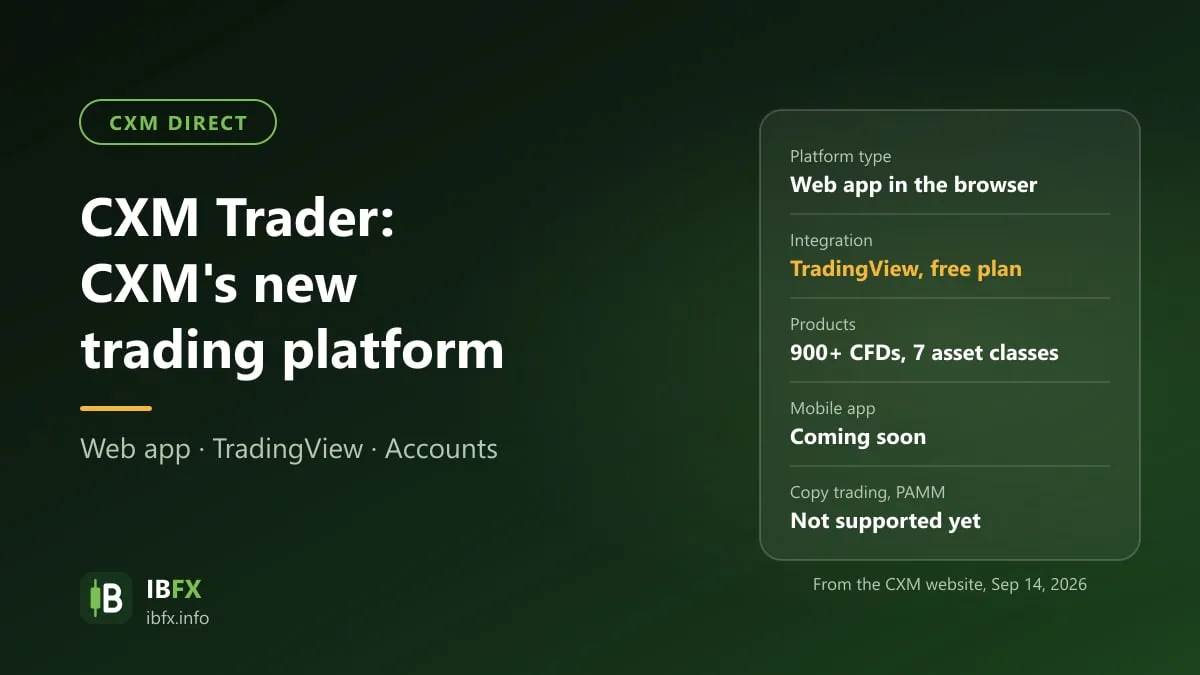
According to the CXM Trader page, this is the new web-based trading platform of CXM, free for eligible clients, and it does not replace MT4 or MT5: you can run accounts on different platforms side by side.
The features CXM lists:
- Charts and analysis: more than 100 technical indicators, several chart types, drawing tools, multi-timeframe analysis, and a customizable layout and workspace.
- Trading from the chart: place orders straight from the chart, and change or remove a stop loss or a take profit at any time while a position is open; close part of a position, depending on the account type.
- A dashboard and a trading journal: follow your performance in real time and manage your strategy.
- Demo and live: if you hold both kinds of account, you switch between them inside the platform.
- Negative balance protection: the CXM negative balance protection policy applies to CXM Trader accounts as well; a negative balance is brought back to zero automatically.
Devices: for now there is only the browser version (Web App). On Sep 14, 2026 CXM’s page still marked the iOS and Android apps “coming soon”; read again on Sep 25, 2026, CXM had rebuilt the website and that line is no longer on the CXM Trader page, so ask CXM directly if you need a phone app.
The products you can trade on CXM Trader
On Sep 14, 2026 the CXM Trader page stated more than 900 CFD products in 7 groups: cryptocurrencies, energies, Forex, indices, baskets, metals and US shares, while the FAQ on the same page had a line saying “more than 300 CFD products”. On the rebuilt website, read on Sep 25, 2026, the CXM Trader account page states more than 1,000 CFD products, still in 7 groups. The real figure is best checked inside the platform.
The difference may come from the expansion of the US share list: on Aug 24, 2026, CXM announced the addition of more than 700 US shares across many sectors (technology, AI, biotech, finance, clean energy, electric vehicles and so on), and the new symbols are available only on MT5 and CXM Trader, not on MT4.
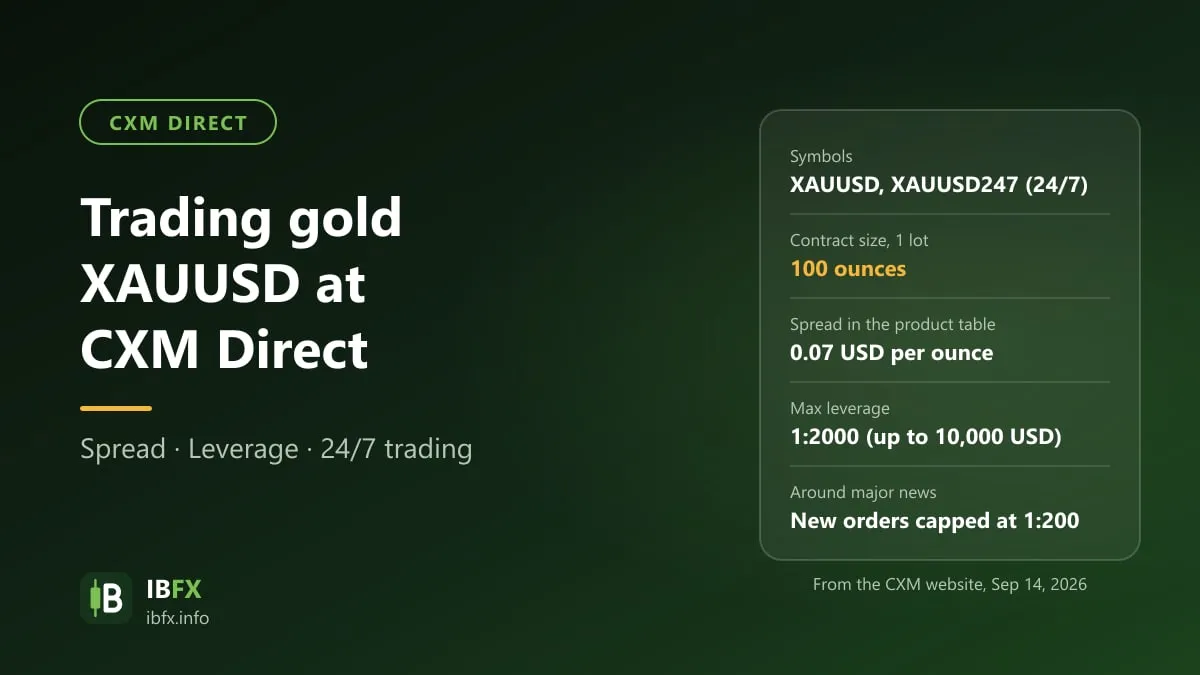
Weekend trading: outside ordinary market hours, only the products that have a weekend session, such as the 24/7 symbols (the gold symbol XAUUSD247, for instance), can be traded. See Trading gold (XAUUSD) at CXM Direct.
Connecting CXM Trader to TradingView
On Aug 3, 2026, CXM announced a partnership with TradingView. You connect your CXM Trader account to TradingView so that you can analyze on TradingView charts and place orders straight through CXM.
How to connect, per CXM:
- Sign in to your TradingView account.
- Pick CXM from the list of supported brokers.
- Sign in with your CXM Trader account details.
According to the FAQ, you do not need a paid TradingView plan to connect. On TradingView you get advanced charts, hundreds of community indicators and scripts, market screeners, news and price alerts. On how to use TradingView, see “What is TradingView?”.
Note: TradingView connects to a CXM Trader account, not to an MT4 or an MT5 account. To trade through TradingView you need a CXM client profile (you can sign up for CXM Direct here) and then open a CXM Trader account in the client area.
The CXM Trader account: what to know
From the FAQ on the CXM Trader page:
- Each client profile can open only one CXM Trader account.
- The username and the account number are not the same thing: the account opening email carries both a Username (used to sign in to the CXM Trader portal) and an Account ID (the trading account number). The same Username serves both the demo and the live account.
- Deposits, withdrawals and password resets are all done in the Client Portal, not in the platform.
- Trading history cannot be moved from MT4/MT5 to CXM Trader; the history belongs to each platform.
- Social trading and PAMM are not supported yet: as of this update, a CXM Trader account cannot act as a signal provider, cannot be a subscriber, and cannot join PAMM.
The Account Types page of CXM has a “CXM Trader Account” entry, but the conditions of that account type — minimum deposit, spread, commission and leverage — have to be looked up in the client area, or asked of support (support@cxm.com), before you open it. For an overview of the other account types, see CXM Direct account types.
CXM Trader or MT4 and MT5: how to choose
| CXM Trader | MT4 | MT5 | |
|---|---|---|---|
| Runs on | Browser (no phone app yet) | Desktop, phone, web | Desktop, phone, web |
| TradingView connection | Yes | No | No |
| The more than 700 new US shares | Yes | No | Yes |
| Copy trading, PAMM | Not supported yet | Yes | Yes |
| Trading robots (EAs) | Not stated on CXM’s page, so ask support before you plan on using an EA | Yes | Yes |
| Accounts per client profile | 1 | Several | Several |
Suggestions:
- You like TradingView charts and trade manually: CXM Trader with the TradingView connection is the tidiest option.
- You run an EA, need a stable phone app right now, or want copy trading or PAMM: use MT4 or MT5. See CXM Direct trading platforms: MT4, MT5, copy trading and PAMM.
- You want to trade the newly added US shares: MT5 or CXM Trader.
A new platform usually keeps changing and can have bugs; try it on a demo account, place small orders, and check how the platform handles stop loss and take profit before you trade larger amounts.
Legal status in Vietnam
Whichever country a broker is licensed in, trading Forex through a foreign broker is not among the foreign-currency transactions permitted under Vietnamese law. It risks being treated as a breach of foreign exchange control rules, and in a dispute Vietnamese law does not protect you. See Is Forex trading legal in Vietnam? and how to spot Forex scams.
Conclusion
CXM Trader is the new web platform of CXM. It is strong on charts, on trading from the chart, and on the TradingView connection that needs no paid plan, and it carries the more than 700 new US shares. In exchange, the platform has no phone app yet, does not support copy trading or PAMM, allows one account per client profile, and the website itself gives two different product counts (900+ and 300+).
If you want to try it, start with a demo account on CXM Trader, and only then deposit a small amount. You can open a CXM Direct account through our referral link and follow the CXM Direct account opening guide to sign up and verify.