On this page
Beyond the account conditions, the software and the tools that come with it decide what trading feels like day to day. This article collects the platforms and services that CXM Direct lists on its website cxmvn.net, read on Sep 14, 2026 with some sections checked again on Sep 16, 2026, together with the points to watch when you use copy trading and PAMM.
MetaTrader 4 and MetaTrader 5
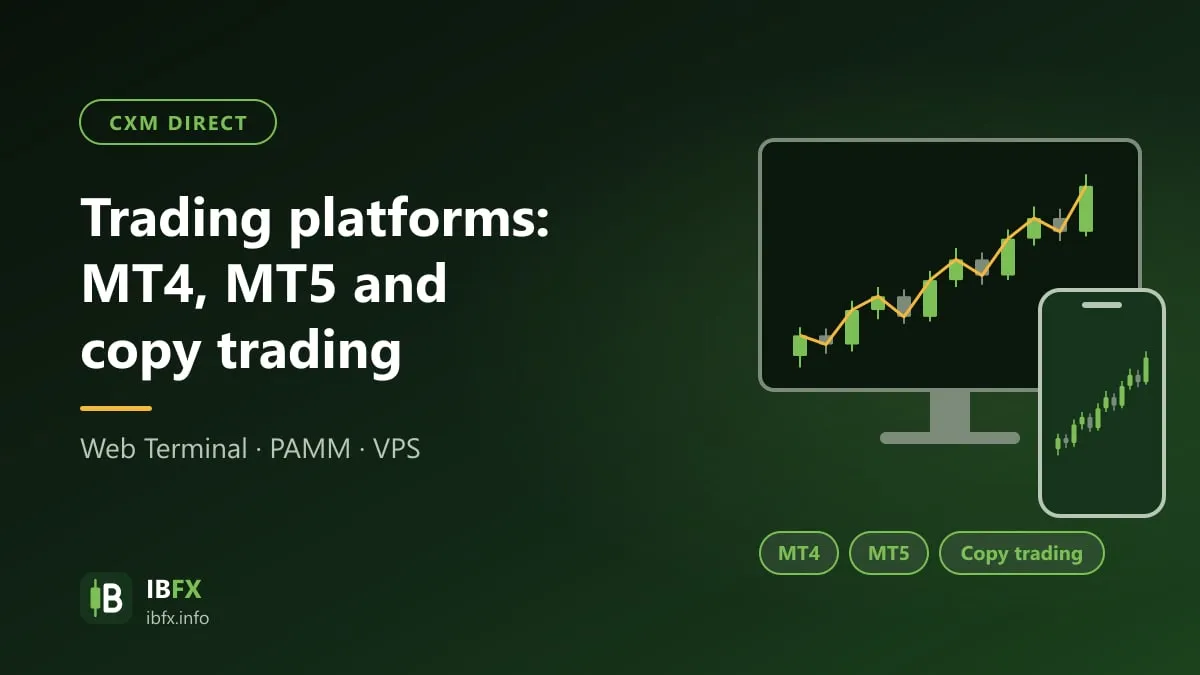
CXM offers both of the trading programs most widely used in retail Forex.
MetaTrader 5 (MT5) at CXM comes in versions for Windows, Android and iPhone, and in a browser version (Web Terminal). The MT5 page of CXM lists these features: pending orders that combine a stop and a limit (stop limit), interactive charts with many technical indicators, a built-in strategy tester, and the MQL5 language for writing trading robots.
MetaTrader 4 (MT4) is still used by many traders because it is familiar and because there is a very large stock of indicators and robots (EAs) written in MQL4.
Choosing between MT4 and MT5:
| Criterion | MT4 | MT5 |
|---|---|---|
| Number of timeframes | 9 | 21 |
| Pending order types | 4 | 6 (adds Buy Stop Limit and Sell Stop Limit) |
| Robot language | MQL4 | MQL5 (an EA written for MT4 cannot be reused) |
| Strategy tester | Single-threaded | Multi-threaded, faster |
| Suits | Someone already running EAs or indicators written for MT4 | A beginner, or someone who needs more timeframes |
Things to watch when you install it:
- Download the software only from the Platforms page on the official CXM website, or from the official app stores (Google Play, App Store). Do not install an MT4/MT5 build that a stranger sent you in a message.
- When you sign in, pick the exact CXM server name given in your account details.
- An MT4 account signs in only on MT4 and an MT5 account only on MT5; you pick the platform at the moment you open the trading account.
How to use them: “What is MT4? A guide to MetaTrader 4” and “how to use MT4 on your phone”.
TradingView
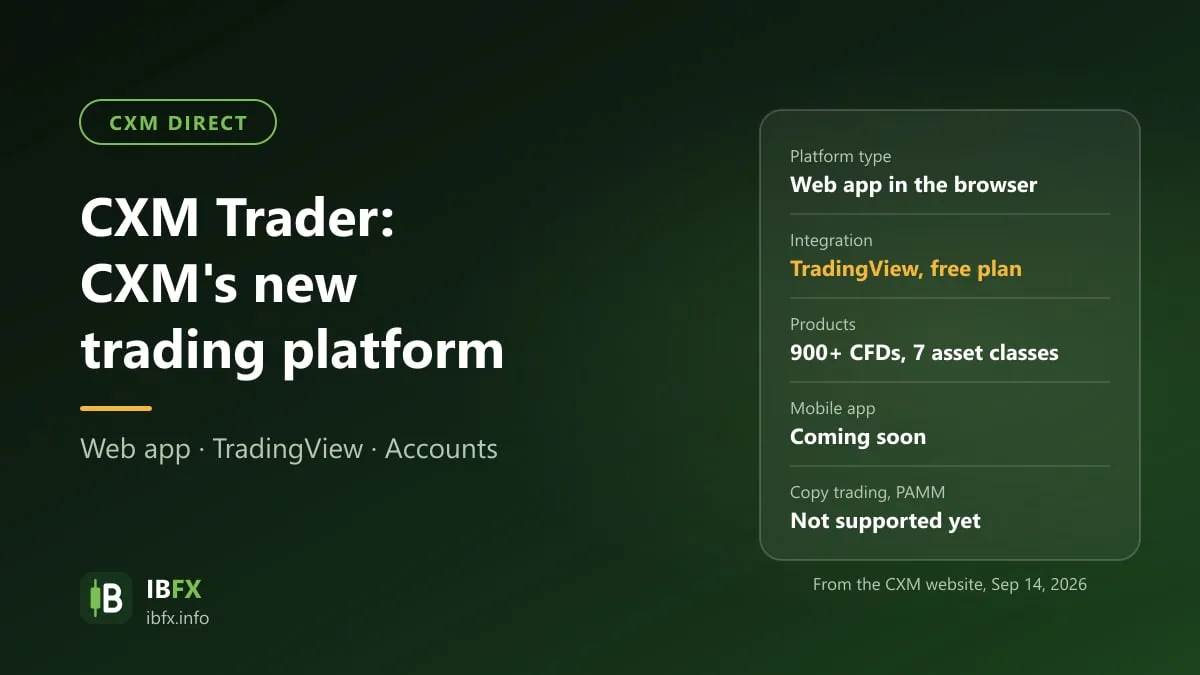
On Aug 3, 2026, CXM announced a partnership with TradingView: you connect a CXM Trader account (not an MT4 or MT5 account) to TradingView by picking CXM from the broker list on TradingView and signing in with your CXM Trader account details; no paid TradingView plan is needed. For the detail, see What is CXM Trader?. On how to use TradingView for analysis, see “What is TradingView?”.
Copy trading (Social Trading)
From the Social Trading page of CXM:
- There are two roles: the signal provider, who trades as usual, and the subscriber, who lets the system copy those trades automatically into their own MetaTrader account.
- Copying works on MT4 and MT5 accounts, and on cent accounts as well.
- The signal provider sets their own minimum balance for a subscriber, and their own performance fee (a percentage of the profit).
- A subscriber can filter the trades copied by position size in lots.
- There is a ranking of signal providers based on performance statistics.
The three steps to start, per CXM: register for a role, pick a signal provider from the statistics, then check in MetaTrader that the trades have been copied.
The risks of copying trades
Copying trades does not reduce the risk: if the signal provider loses, your account loses with them. CXM itself warns that past performance does not guarantee future results. Before you copy anyone, look at:
- How long they have been running: a high return over a few weeks says very little; favor someone with a history of at least several months to a year.
- Maximum drawdown: a 100% return with a 70% drawdown is a sign of very high leverage and very high risk.
- Position size against capital, and whether they set a stop loss at all. A strategy of piling on positions and holding on to losers usually has a handsome profit curve, right up to the day it blows up the account.
- The performance fee: a fee charged on profit reduces the gain you actually keep.
Start with a small amount, use the position size filter to cap the lots being copied, and check on it regularly instead of treating it as “set and forget”.
PAMM
PAMM is a model in which investors allocate money to an account traded by a manager; profit and loss is split in proportion to the capital contributed. From the PAMM page of CXM:
- For an investor: the PAMM investment account is kept separate from your own trading account; there are reports such as daily profit movement, the recovery factor and the Sharpe ratio; you can pick a PAMM account, join it and withdraw from it; and there is an automatic close-out when a maximum drawdown level is reached.
- For a manager: you set your own fee structure, run several PAMM accounts, have orders executed for every investor at the same time, and keep the strategy private.
Points to watch:
- As with copy trading, a PAMM account can lose money, even close to all of the capital; go through the manager’s history and drawdown carefully.
- Only join a PAMM through the broker’s own system, where the account is in your name. Do not transfer money to an individual who calls themselves a “fund manager”.
- In Vietnam, taking other people’s money to trade on their behalf without a license may be against the law. See also how to spot Forex scams.
Trading Central
Trading Central is a third-party analysis service. According to the CXM page, the tools cover: candlestick pattern recognition, an adaptive divergence indicator, trend analysis and price targets, and entry and exit signals; you use them through a web platform, or through an indicator installed in MT4/MT5.
Reading the page again on Sep 16, 2026, access comes at two levels: the web research platform is described on the page as “always available to every CXM client with access to the internet”, with an MT4/MT5 indicator to download; while seeing the analysis inside MT4 itself is reserved for “eligible clients”, and the page suggests contacting your account manager to find out the criteria. The page does not say what those criteria are, nor whether there is a fee, so ask before you treat this as a reason to pick the broker.
An automated signal should be treated as information to consider, not as a trade you have to take. Test the signals on a demo account first.
VPS
A VPS (virtual private server) keeps MT4/MT5 and a robot (EA) running 24/7 without your own computer being switched on. The VPS page on the website only advertises execution speed and low latency, with no specification and no price. The figures below come from the VPS request page in the CXM client area, read on Sep 16, 2026:
| Item | Detail |
|---|---|
| Specification | 1 vCPU, 2 GB RAM, 40 GB SSD |
| Free for 30 days on trading conditions | average equity over 30 days of 1,000 USD or more and total volume of 2 lots or more |
| Or on a deposit condition | net deposits over 30 days of 1,000 USD or more |
| If you do not qualify | buy it at 20 USD for 30 days |
The two free conditions are an “or”: meeting either one is enough. They are measured over a 30-day window, so a month in which you fall short costs you the free slot, and you have to buy it or stop the VPS — and if an EA is running on it, the trading stops with it. A specification of 1 vCPU and 2 GB RAM is enough for one or two light MT4/MT5 instances; if you run several heavy EAs at once, rent a more powerful VPS of your own.
A VPS is only necessary if you actually run an EA. The figures above are the conditions at the time they were read, and the client area can change them at any time, so open the VPS request page again for the terms in force.
The economic calendar
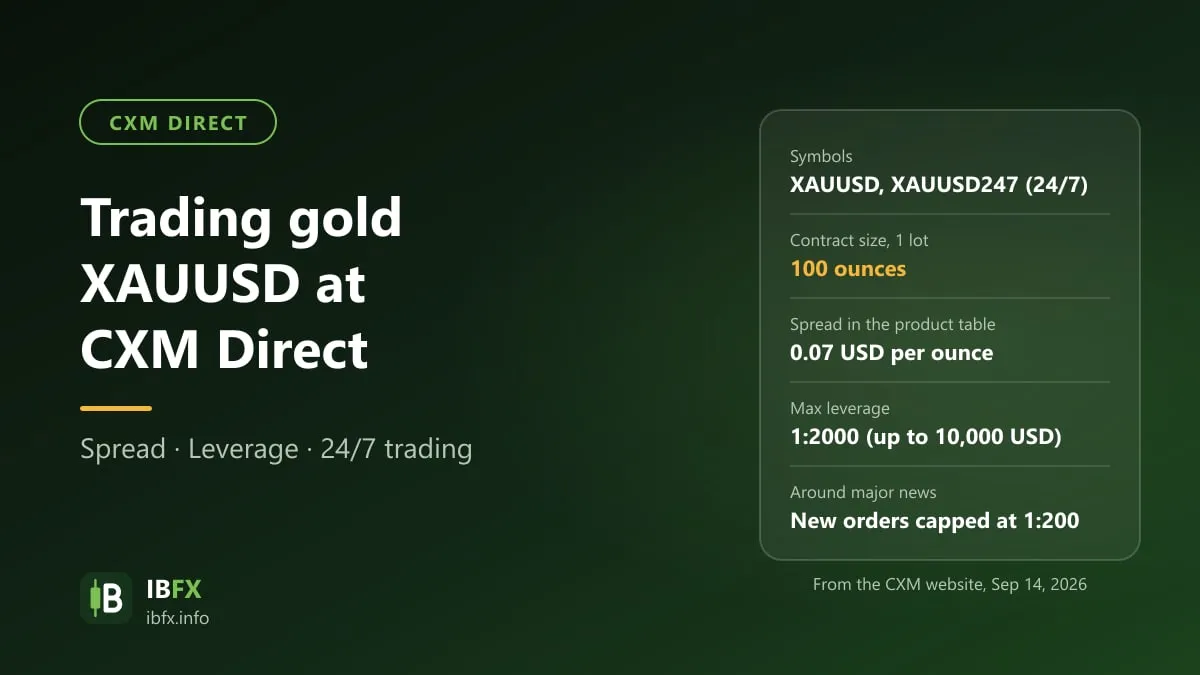
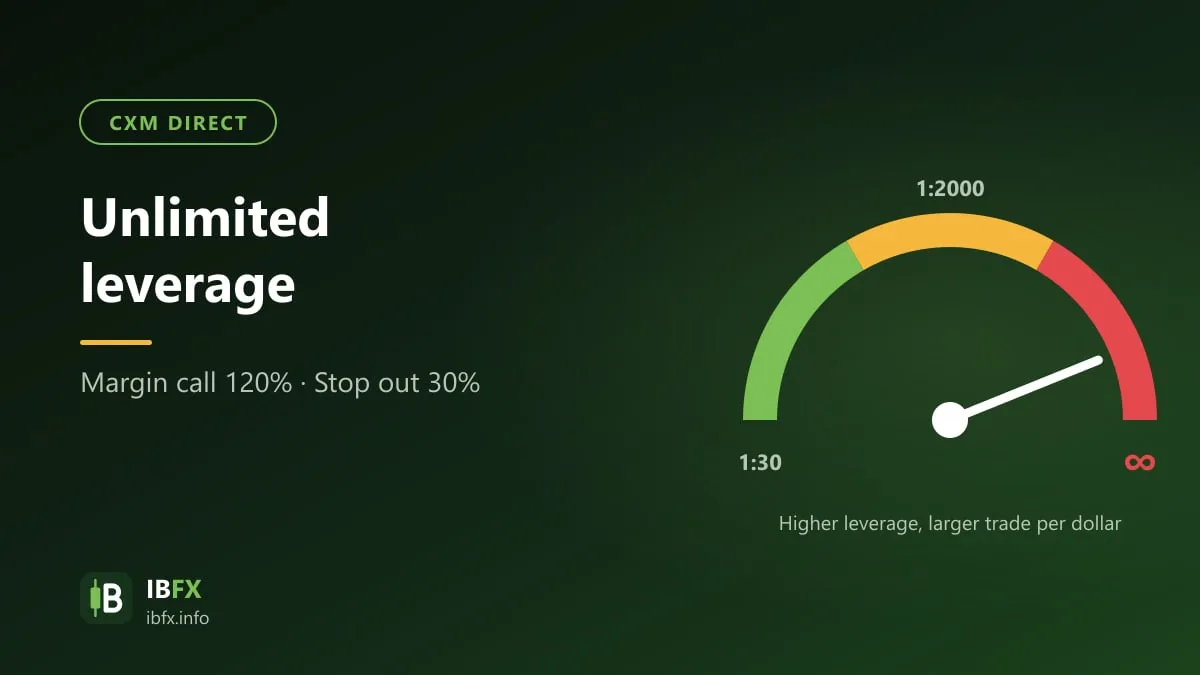
CXM has an economic calendar for keeping track of when important news is due. At CXM this matters all the more because the broker cuts the leverage on new positions around news releases (see Unlimited leverage at CXM Direct). On how to read an economic calendar, see “The economic calendar”.
How to start
- Open an MT4 or MT5 demo account and get used to placing orders, setting a stop loss and reading the contract specification.
- If you plan to use copy trading, follow the signal provider on a demo or a cent account for a while.
- Move to a live account with a small amount of money and small position sizes.
When you are ready, you can open a CXM Direct account through our referral link, then follow the account opening and verification guide. Before that, read Is CXM Direct safe? to find out which legal entity will hold your account.